USELL
COLLECT YOUR PAYMENTS WITH UPAY.
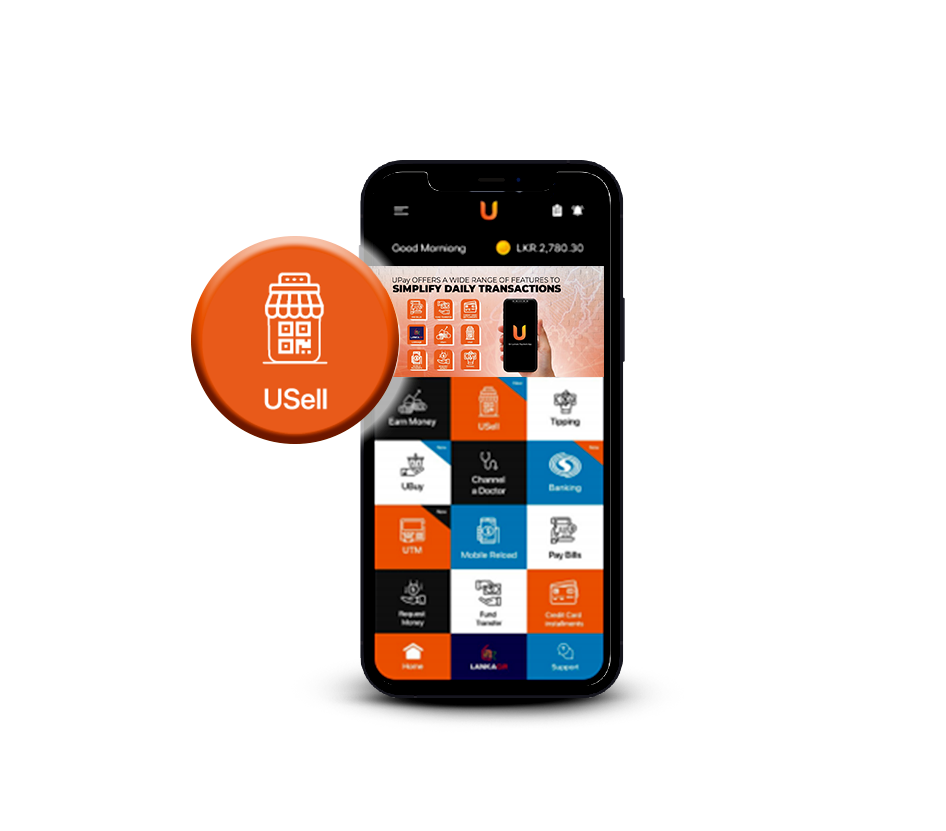
USELL
Are you handling a business? Is collecting payments a pain point? UPay has a solution for this too. USell makes being a Merchant more convenient and rewarding than ever!
ALL YOU NEED TO DO IS FOLLOW THESE STEPS:
| 1 | Download the UPay App. |
|---|---|
| 2 | Login to your UPay account and select "USell." |
| 3 | Read the instructions and click on Next. |
| 4 | Register for USell via the UPay app with your name, email and city along with your settlement bank account details. |
| 5 | You are now registered as a USell Merchant with UPay! you will be given a unique LankaQR code. This QR code would then enable your customers to simply scan and pay you in an instant! |
You can even refer to the transaction history to see the list of all payees. Sounds too good to be true, right? But it is! Get your business on board today!
CHARGES:
And you know what? Even the USell feature is offered to you free of charge by UPay! You don’t have to pay any extra fee whatsoever to use this feature.

DOWNLOAD
NOW